IPTV Setup on Formuler (Z8, Z10, Z11)
Complete Formuler IPTV setup guide. Configure MYTVOnline or MYTVOnline2 for the best IPTV experience on Formuler devices.
Formuler devices are purpose-built for IPTV with their excellent MYTVOnline app. Setup is straightforward - just add your subscription and you are ready.
What You Will Need
- • Active ScopMedia IPTV subscription
- • Stable internet connection (10 Mbps+ for HD, 25 Mbps+ for 4K)
- • Your device connected to the same network
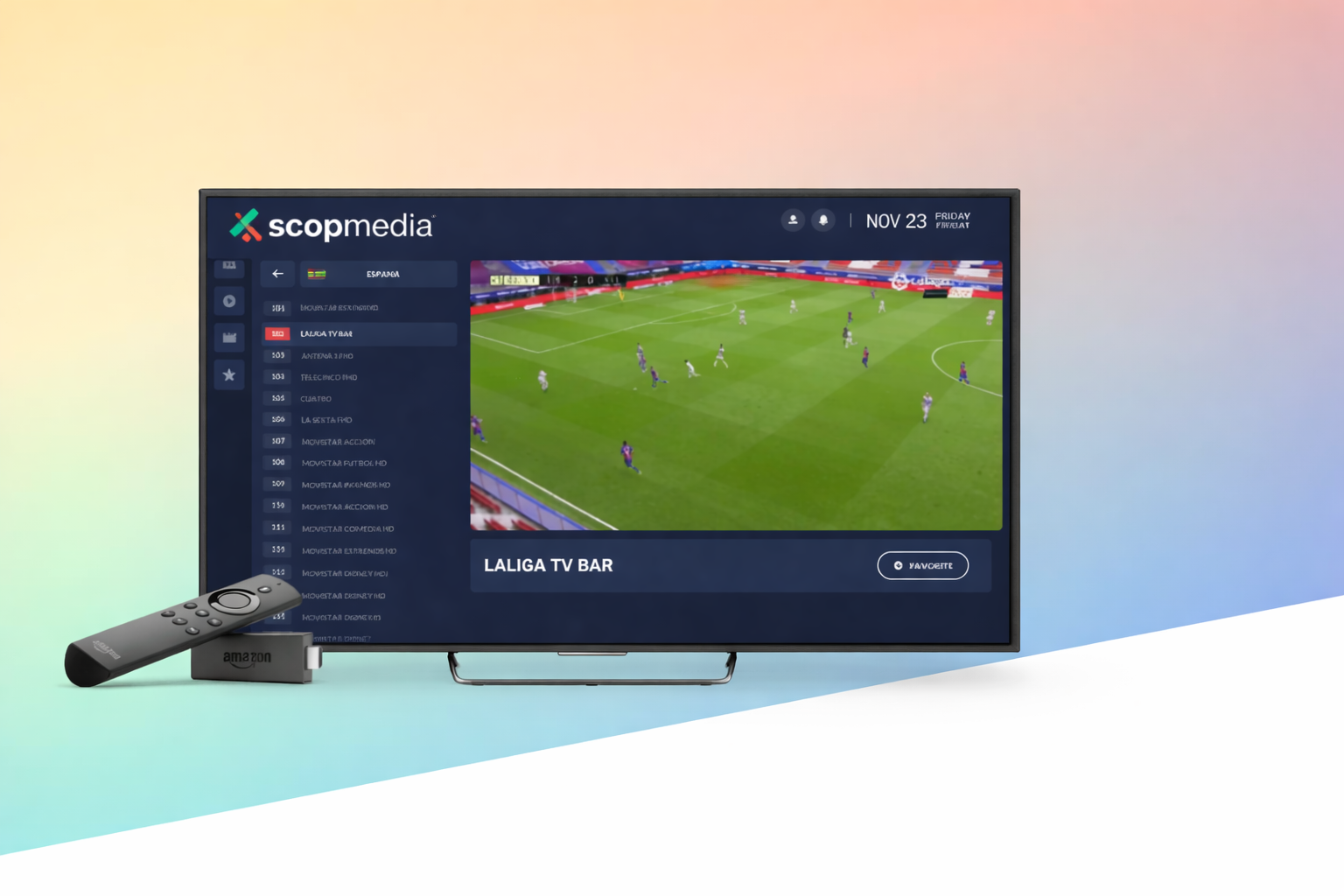
Step 1: Connect Your Formuler
Connect your Formuler box to your TV via HDMI. Connect to the internet via Ethernet (recommended) or WiFi. Power on the device and complete initial setup if first use.
Step 2: Open MYTVOnline
From the Formuler home screen, open MYTVOnline (Z8) or MYTVOnline2 (Z10/Z11). These are pre-installed on Formuler devices. If prompted, allow any required permissions.
Step 3: Add Portal Connection
Select "Add Portal" or "IPTV Portal". Enter your portal URL from ScopMedia (e.g. http://server.com/c/) and your username/password. Save the connection.
Step 4: Connect to Portal
Select your saved portal and connect. The Formuler will fetch your channel list, EPG, and VOD content. This may take 1-2 minutes on first connection.
Step 5: Explore the Interface
MYTVOnline has an intuitive interface. Use the remote: OK for select, Back for return. EPG opens with the Guide button. Sort channels and create favourites in settings.
Step 6: Optimize Settings
In MYTVOnline settings: Enable timeshift if desired. Set buffer size for your connection. Configure aspect ratio. Formuler offers the best IPTV experience - enjoy!
Need Help? Get Support
Our 24/7 support team is ready to assist with your setup. Contact us anytime.